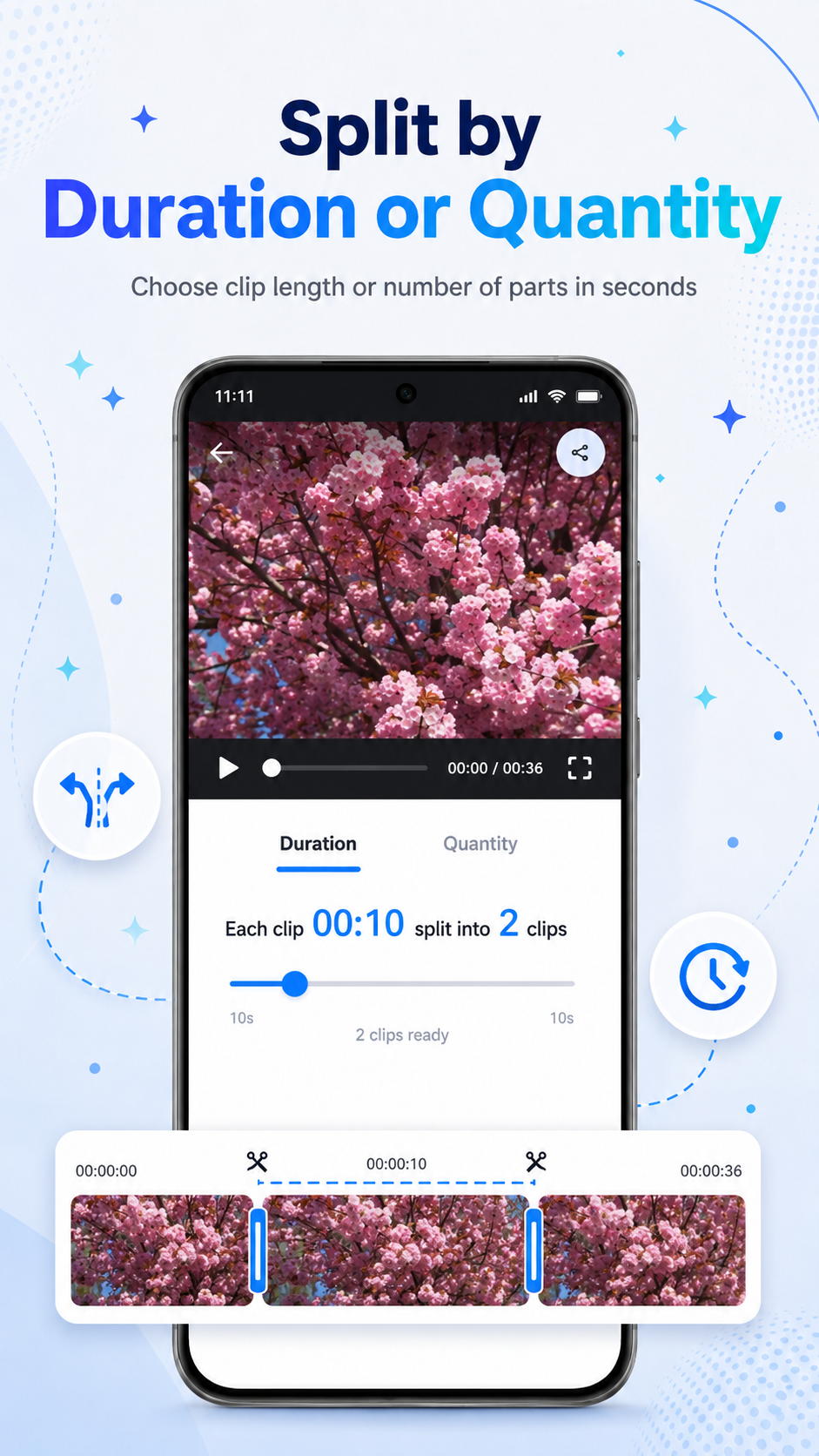
Split by duration or quantity
Cut longer videos into equal parts by time or by number of clips, useful for status videos and quick sharing.
SplitClip: Status Maker helps you split, trim, preview, export, save, and share video clips directly from your Android device. It is made for quick status videos, story clips, and simple everyday video preparation.
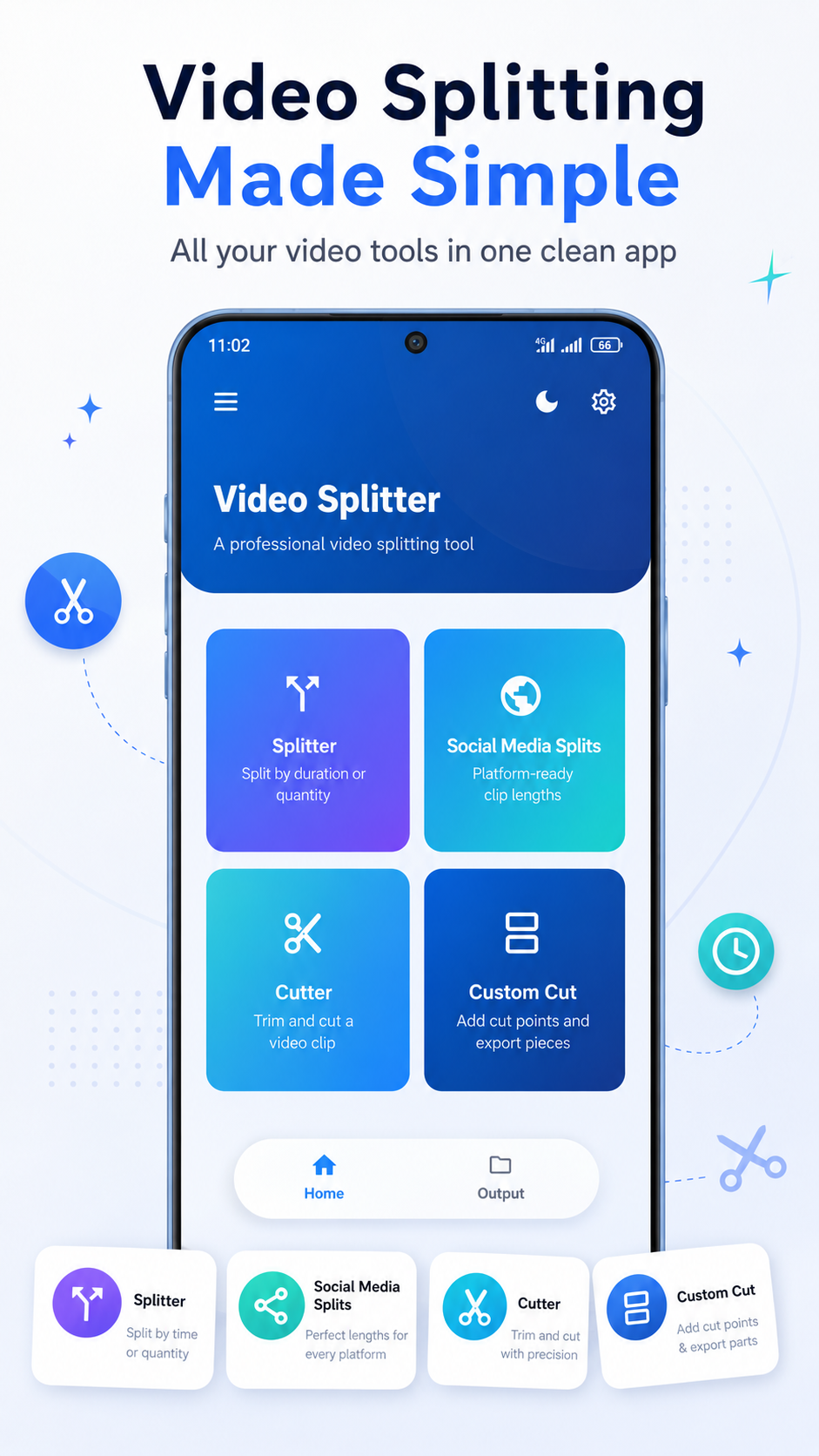
SplitClip focuses on the common actions you need before sharing a video: split, trim, export, save, and share.
Cut longer videos into equal parts by time or by number of clips, useful for status videos and quick sharing.
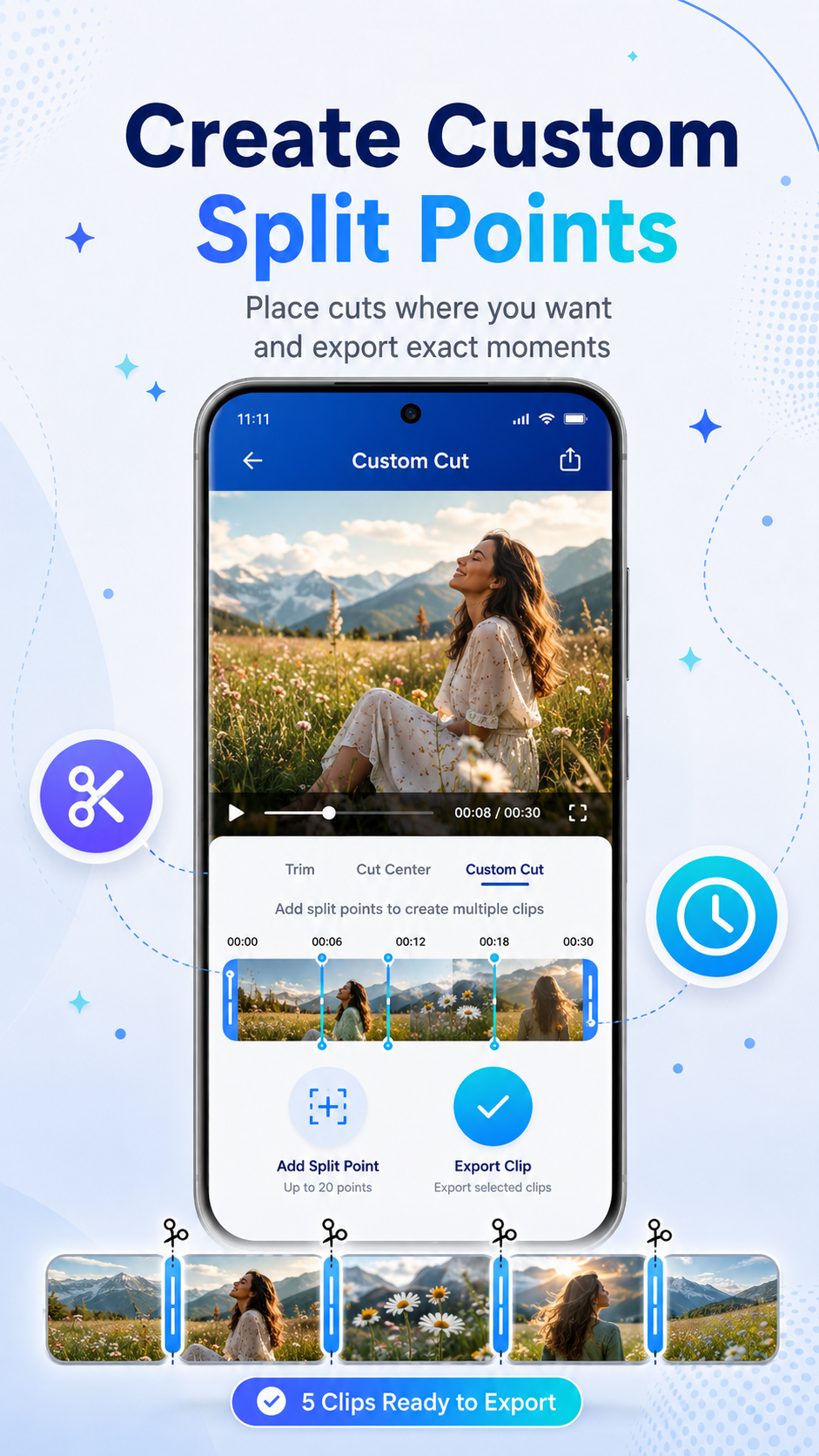
Choose your own split points when you need more control over where each video clip starts and ends.
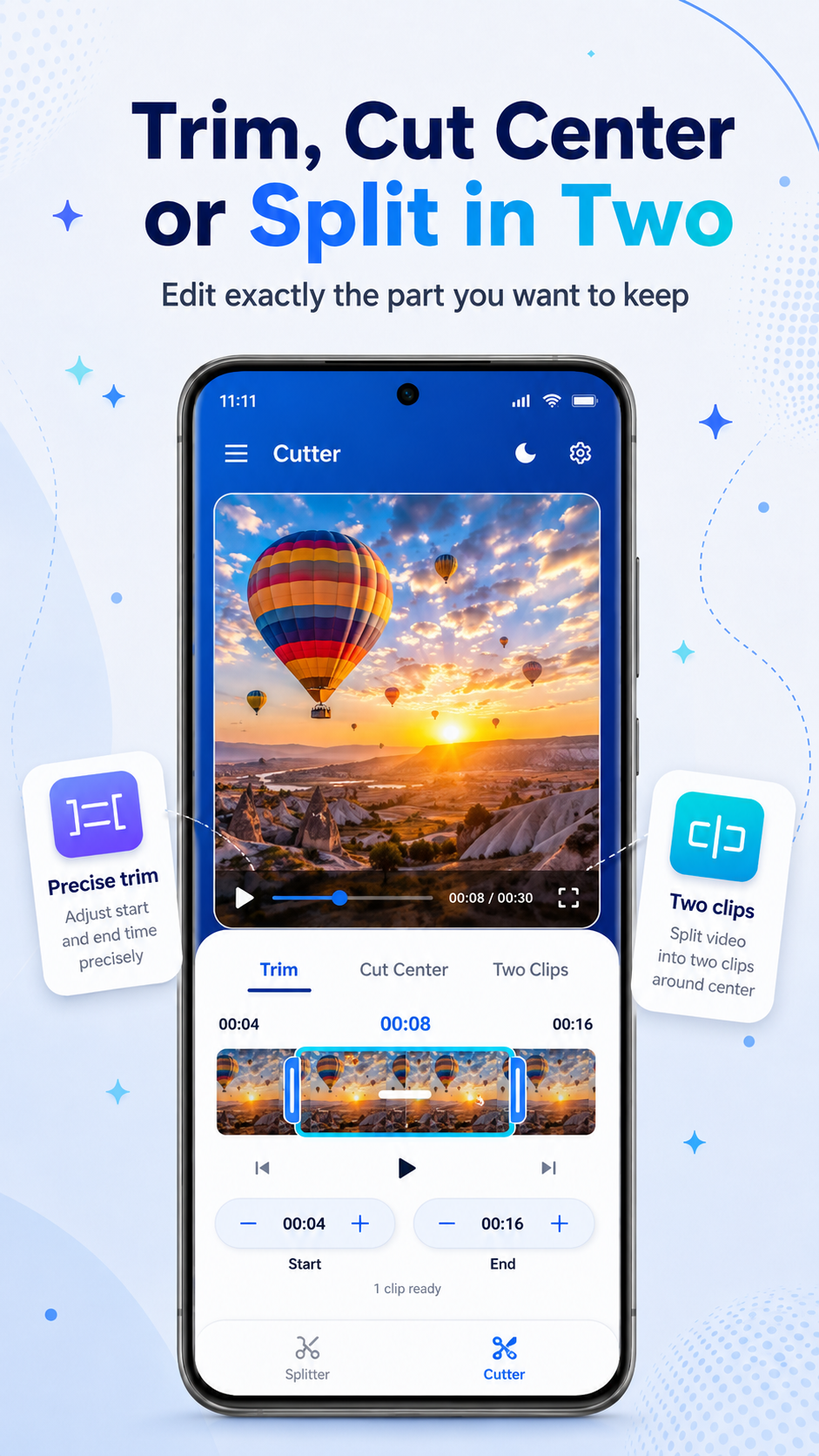
Remove unwanted parts and keep only the section you want before exporting your final clip.
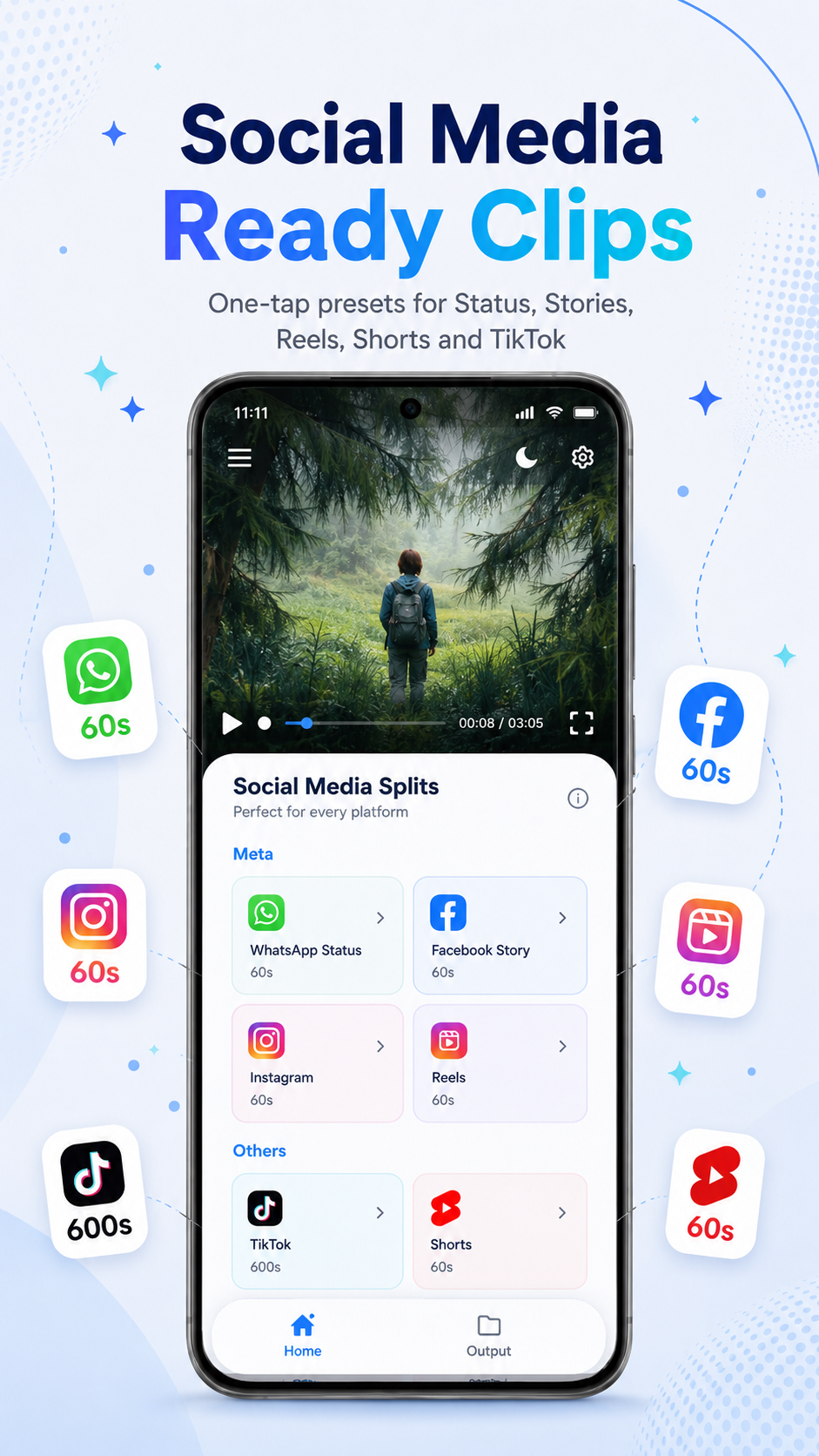
Save and share exported clips through your favorite apps using your device’s normal sharing options.
During normal app use, selected videos are processed locally on your device. SplitClip does not upload your selected videos to our own server for splitting, trimming, or exporting.
For questions, feedback, or support requests, contact: nirmal.appstudio@gmail.com